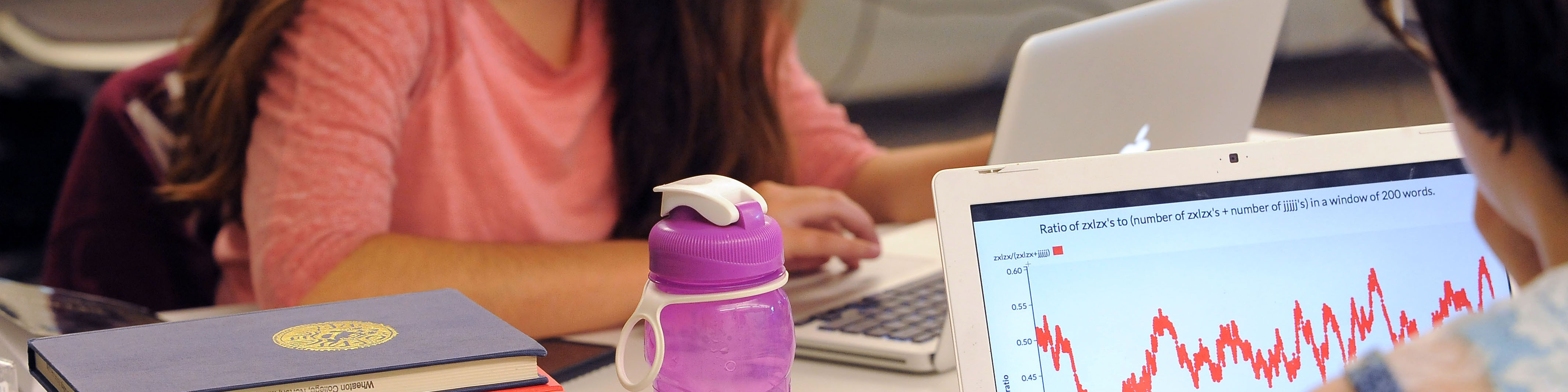
Students are expected to bring a personal laptop computer for academic use while attending Wheaton College. Wheaton does not require a specific computer manufacturer or platform; a modern Windows or macOS laptop is appropriate for most students.
Choosing a Computer
When purchasing a new computer, students should choose a current model that will meet their needs throughout their time at Wheaton. For students purchasing a new laptop, 32 GB of memory (RAM) is preferred to provide sufficient performance and flexibility for academic work over the course of four years.
Both Windows and macOS computers are widely used on campus. Students who expect to take courses requiring specialized software or more demanding computing resources should consult with their academic department regarding any specific requirements.
Chromebooks are not recommended as a student’s primary computer. Some software and applications used for academic coursework may not be compatible with ChromeOS.
Campus Computer Resources
Computer labs are available throughout campus and provide students with access to additional computing resources and academic software. These resources supplement a student’s personal computer and do not replace the expectation that students bring their own laptop to Wheaton.
Wheaton College does not sell computers to students or provide loaner computers for general student use.
IT Support
IT Support Services (ITSS) can assist students with connecting their personal computers to campus resources, including Wi-Fi, college systems, and institutionally supported software.
Support for personally owned computers does not include hardware repair, operating system repair or reinstallation, data recovery, malware removal, performance troubleshooting, or other general computer repair services. Students experiencing hardware or other issues with their personal computer should contact the device manufacturer or a qualified computer repair provider.